Deal Soldier Field Intelligence
SniperX And Turbo Search: What To Test First
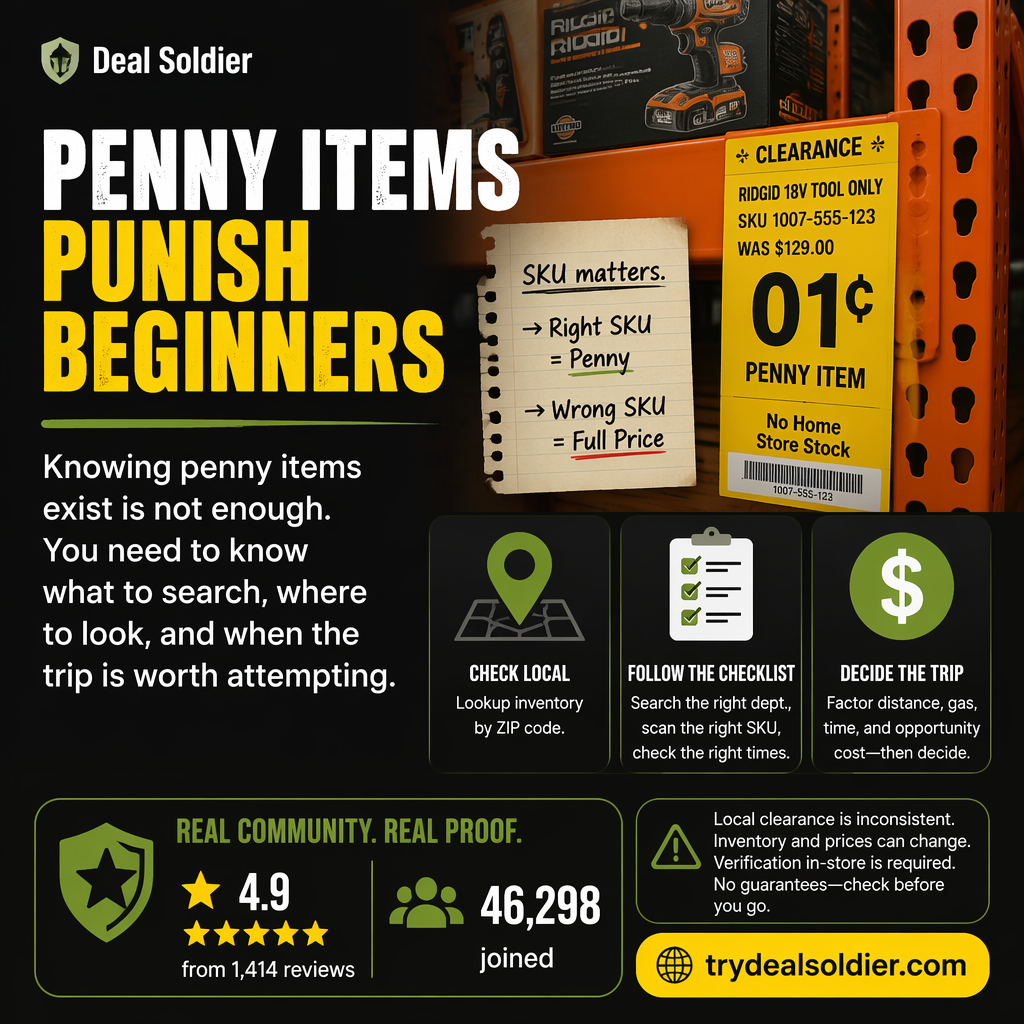
If you are fighting opening every feature and learning nothing, use this operational test: a tool is worth testing only when it improves a named decision inside the 7-day window
Start the Deal Soldier 7-day trial on Whop
The Field Investigation: What We Are Actually Testing
If you are investigating Deal Soldier, you have likely seen viral social clips: shopping carts loaded with $25 laptops, $3 designer rugs, and penny clearance finds in big-box stores. But viral posts skip the operational friction: store inventory algorithms, shelf tagging lag, phantom stock, and the reality of resale fees.
The core trap we are deconstructing in this guide is opening every feature and learning nothing. The operational rule of thumb is straightforward: a tool is worth testing only when it improves a named decision inside the 7-day window. If you cannot establish a systematic local workflow that produces verified savings during your 7-day free trial, you should cancel immediately on Whop.
Below is our complete field investigation for SniperX And Turbo Search: What To Test First, broken down scene-by-scene into store mechanics, algorithm breakdowns, and actionable testing protocols.
What Whop Mentions
When prospective members examine Deal Soldier's official Whop listing by creator Sean Sweeney (@superunsexy), two proprietary software features stand out: Turbo Search and SniperX.
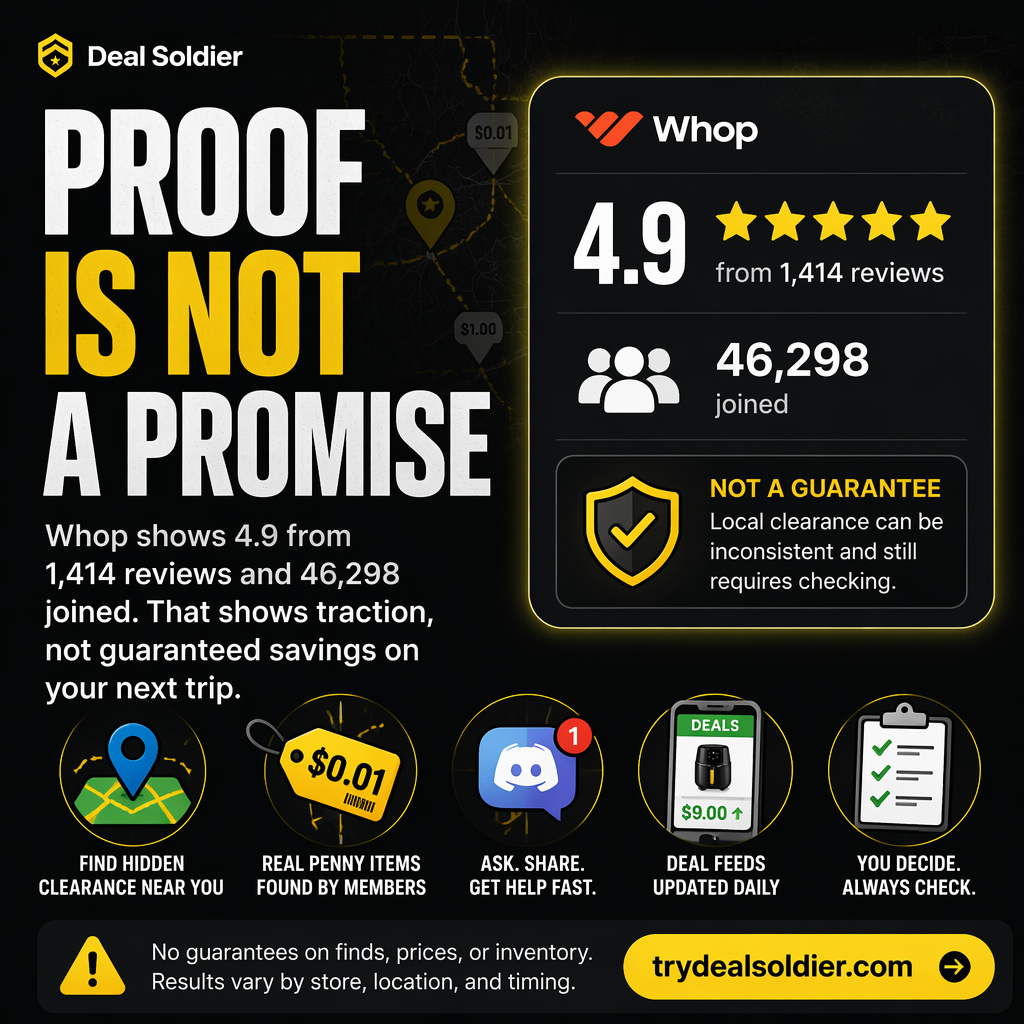
Whop's verified listing confirms these modules as core deliverables included in the $44/month subscription (following a 7-day trial). However, marketing blurbs often leave users wondering how these tools actually function in the real world.
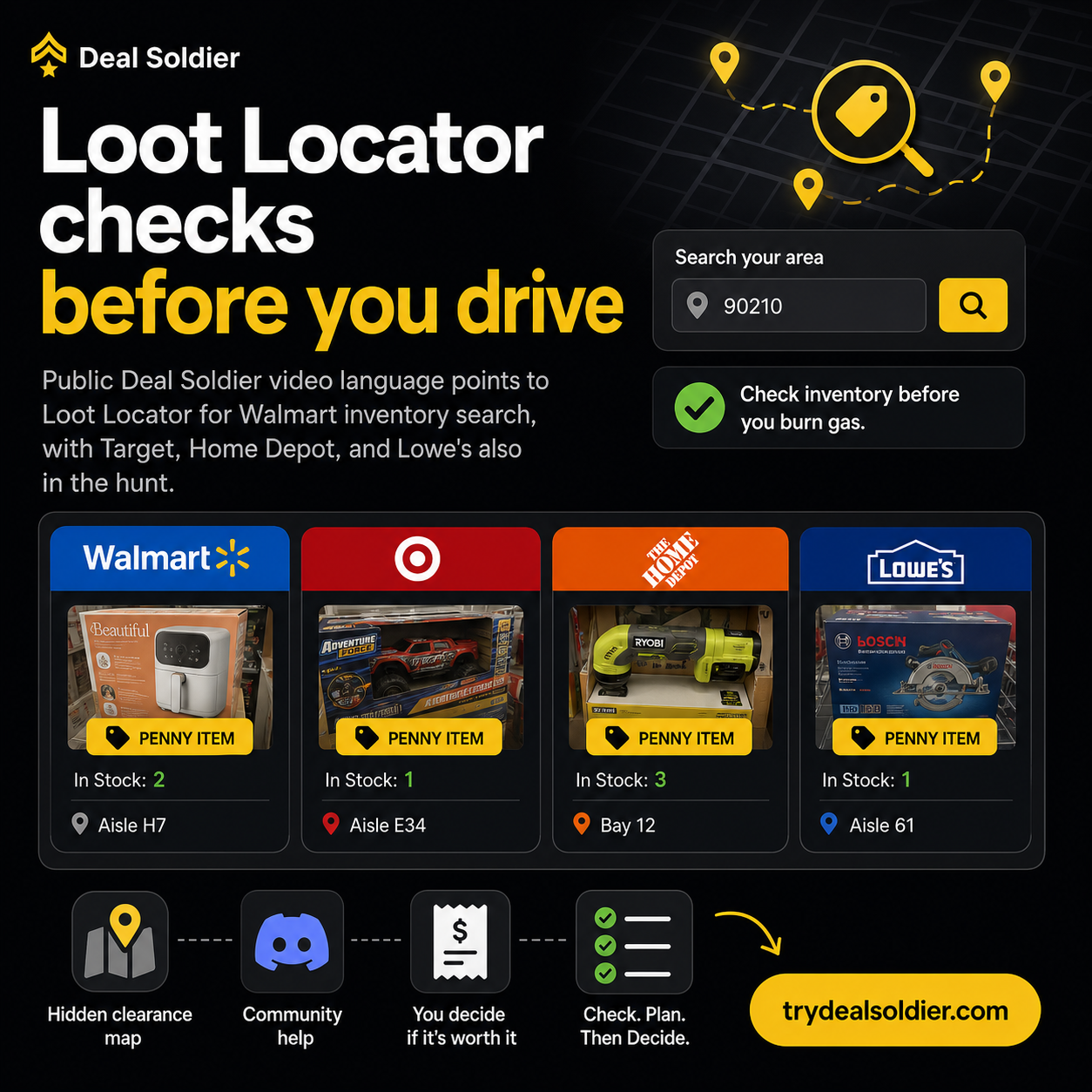
In technical terms, Turbo Search is a multi-store radius scanner that queries retailer inventory endpoints across user-defined ZIP codes, while SniperX is an automated barcode tracking engine that monitors price drops on specific SKUs and delivers immediate push notifications via Discord.
| Feature Name | Core Technical Function | Primary User Interface | Operational Job |
|---|---|---|---|
| Turbo Search | Multi-store radius inventory scanner | Web-based dashboard / Discord bot | Scans multiple local stores simultaneously for clearance stock |
| SniperX | Automated barcode & SKU price monitor | Dedicated Discord alert channels | Pings real-time notifications when targeted SKUs drop in price |
| Penny Deal Scanner | Algorithmic Home Depot salvage filter | Specialized Discord feeds | Isolates items hitting the terminal $0.01 price point |
📋 Actionable Verification Protocol
- Review the feature list on Whop to understand what is included in your membership.
- Verify your device compatibility: web browser for dashboards and Discord app for alerts.
- Prepare a list of your most frequent shopping ZIP codes for initial configuration.
Target Decision: Familiarize yourself with the core purpose of each tool before launching your trial.
Action Threshold: Ensure you have access to both Discord and a modern web browser.
Immediate Failure Mode: Expecting an automated buying bot rather than an inventory intelligence tool.
For additional context on What Whop Mentions, compare this operational step with our detailed breakdown in Deal Soldier 7-Day Trial Checklist and cross-reference our field rules in Home Depot Penny Deals: Signal Or Time Sink?.
Why Features Need Tasks
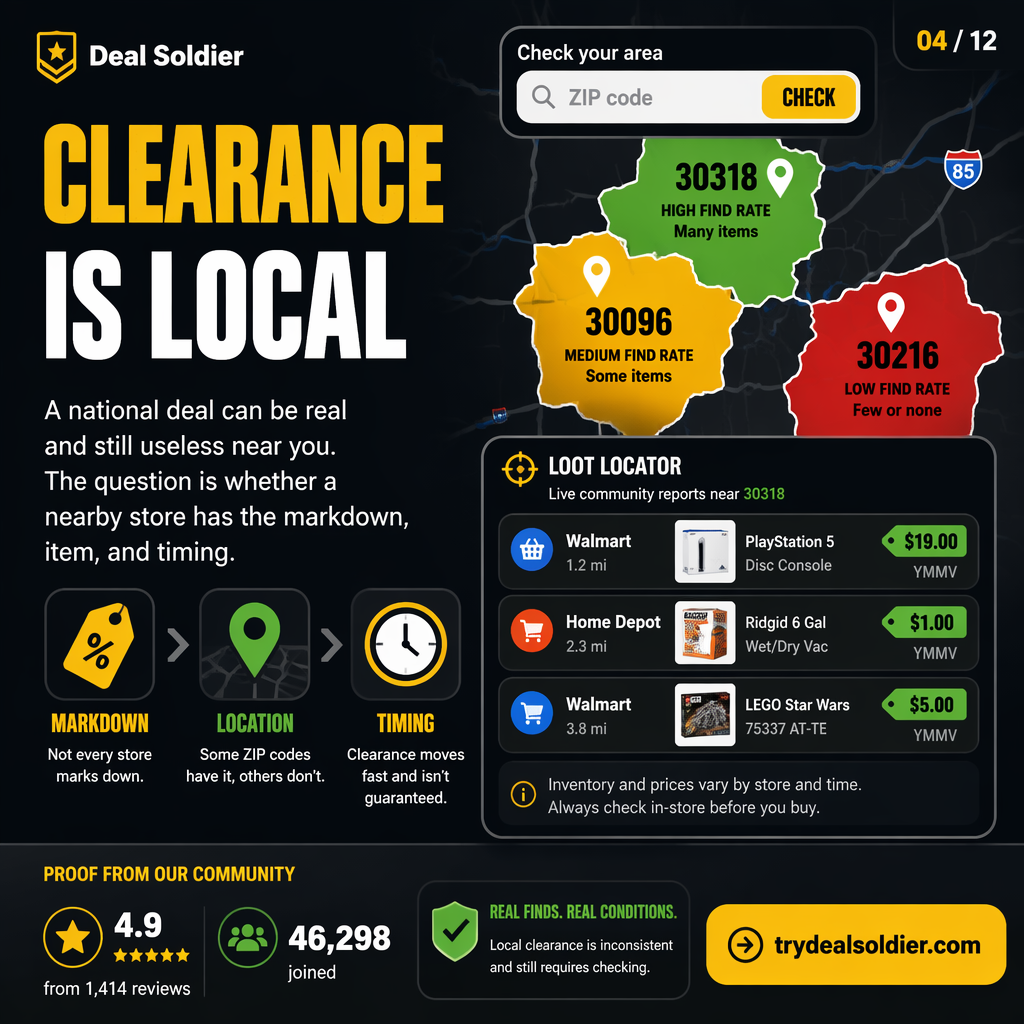
One of the most common reasons beginners fail with deal hunting software is 'feature paralysis'. They log into a dashboard, see dozens of filters, SKU lookups, and alert channels, and become overwhelmed. They click around aimlessly for twenty minutes and log out without taking action.
To extract value from Deal Soldier, you must assign every software feature a specific, real-world task. A feature is an abstract capability; a task is a physical action with a defined outcome.
For example, 'Turbo Search' is a feature. The task is: 'Every Tuesday morning at 7:30 AM, enter the top 5 seasonal toy SKUs into Turbo Search across a 15-mile radius, and identify which local store has more than 3 units at 70% off.' Once you tie features to scheduled tasks, the software becomes a high-speed execution machine.
| Software Feature | Abstract / Passive Use (Fails) | Concrete Actionable Task (Succeeds) |
|---|---|---|
| Turbo Search | Browsing random products when bored | Weekly Tuesday 7:30 AM seasonal clearance radius sweep |
| SniperX Alerts | Leaving all notifications on and ignoring them | Setting custom push alerts for high-margin power tool categories |
| Barcode Lookup | Scanning items you already know are full price | Verifying unstickered top-stock boxes in transition aisles |
📋 Actionable Verification Protocol
- Select ONE retailer and ONE category to focus on during your first 48 hours.
- Write down a specific scheduled time to run your inventory scans each week.
- Pair every search query with an actionable store visit plan if stock is found.
Target Decision: Connect every software tool to a specific, scheduled field task.
Action Threshold: Define your target product category before opening the search dashboard.
Immediate Failure Mode: Browsing search tools passively like social media without executing physical store visits.
For additional context on Why Features Need Tasks, compare this operational step with our detailed breakdown in Walmart Hidden Clearance Guide and cross-reference our field rules in Deal Alerts vs Deal Judgment.
Turbo Search Test
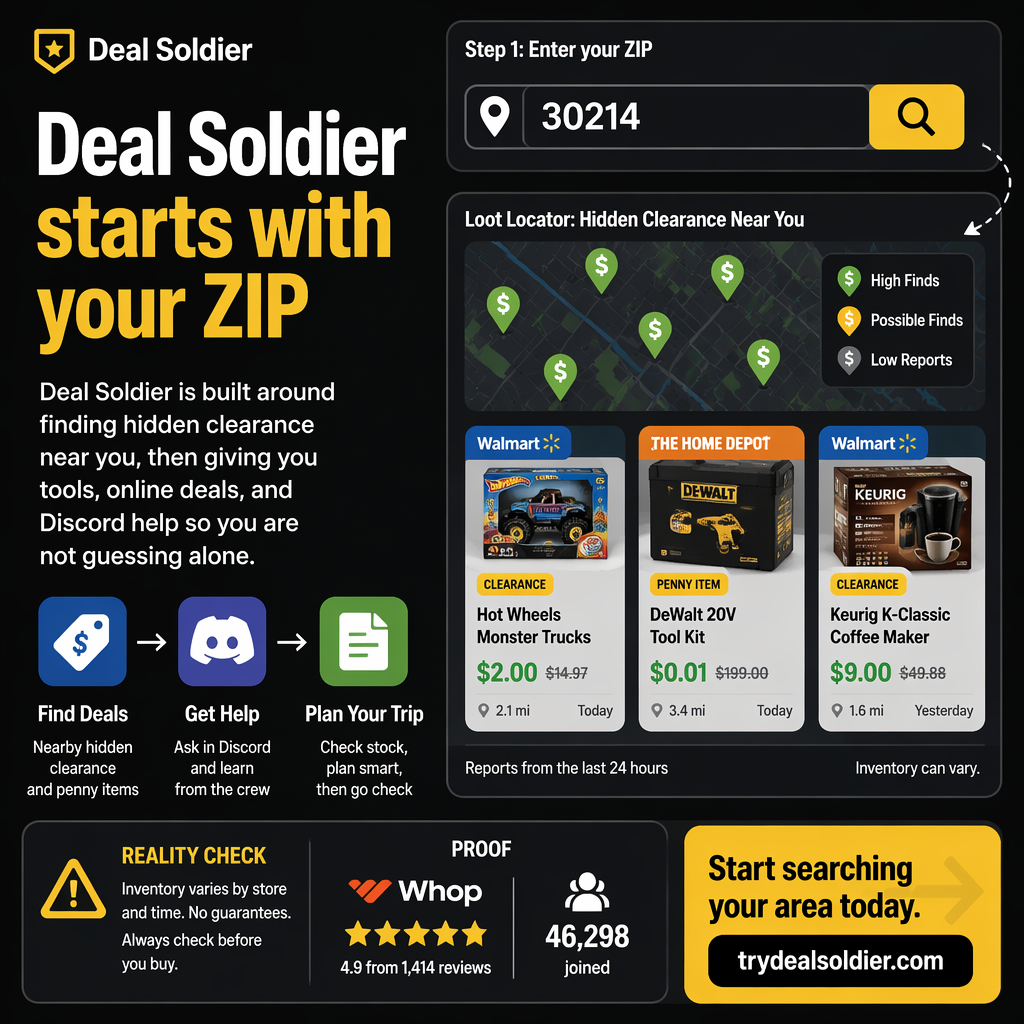
The flagship tool in Deal Soldier's arsenal is Turbo Search. In standard retailer mobile apps, checking prices across multiple stores is an agonizing, multi-step process: you must manually change your preferred store location, wait for the app to reload, search the item, note the price, change the store again, and repeat.
Turbo Search eliminates this friction entirely. You input an item SKU or category keyword, specify your primary ZIP code, and set your desired search radius. The system queries local store servers in parallel, returning a comprehensive matrix showing which stores have the item in stock, their exact local register prices, and estimated inventory counts.
This radius visibility transforms your driving efficiency. If Store A (3 miles away) has an item at $45 while Store B (7 miles away) has the exact same item marked down to $12 with 5 units in stock, you immediately know to bypass Store A and head straight to Store B.
| Parameter | Single Store App Method | Turbo Search Multi-Store Method |
|---|---|---|
| Stores Checked | 1 store at a time (manual toggle) | 5 to 20+ stores simultaneously in one query |
| Search Time | 3 - 5 minutes per store (25 mins total) | Under 5 seconds for complete regional matrix |
| Price Comparison | Requires pen and paper notes | Single consolidated table sorted by lowest price |
| Inventory Visibility | Often shows 'In Stock' without counts | Numerical estimates (e.g., '4 units available') |
📋 Actionable Verification Protocol
- Open Turbo Search and set your search radius to a realistic driving distance (10-15 miles).
- Test a known seasonal markdown SKU (e.g., end-of-summer garden or holiday toys).
- Sort results by 'Lowest Price' to identify the highest-discount store in your area.
Target Decision: Use Turbo Search to pre-qualify stores before turning on your car ignition.
Action Threshold: Only drive to stores showing a price discount of at least 50% and 2+ units.
Immediate Failure Mode: Setting search radiuses too wide (40+ miles), resulting in excessive fuel expenditure.
For additional context on Turbo Search Test, compare this operational step with our detailed breakdown in Home Depot Penny Deals: Signal Or Time Sink? and cross-reference our field rules in Deal Soldier 7-Day Trial Checklist.
SniperX Test
While Turbo Search is an active on-demand lookup tool, SniperX is Deal Soldier's passive automated radar. In retail clearance, many of the most lucrative drops occur unpredictably when corporate inventory algorithms trigger overnight markdown sweeps.
Trying to catch these drops manually would require running hundreds of searches every morning. SniperX solves this by continuously monitoring high-value product categories—such as cordless power tools, smart home tech, outdoor power equipment, and consumer electronics—across participating retail chains.
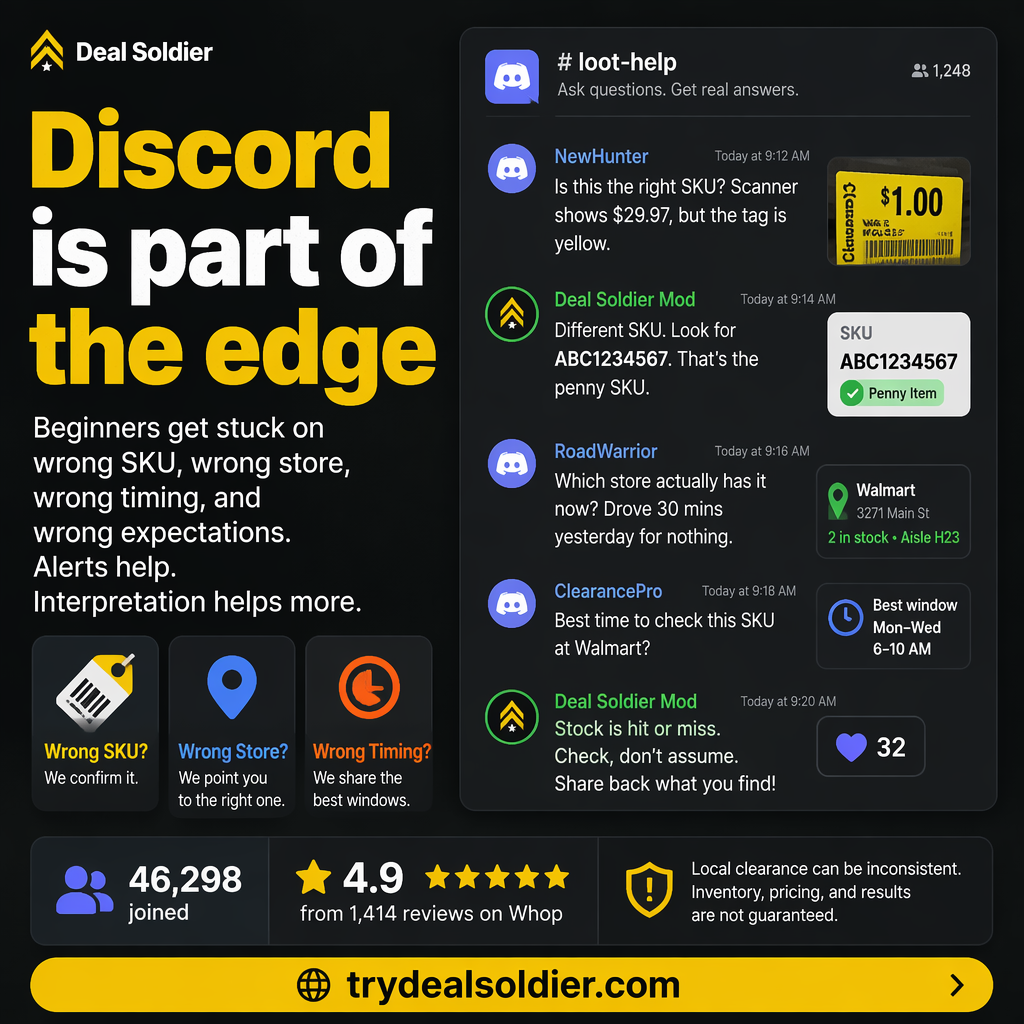
When an item's price drops below historical thresholds at any store within monitored regions, SniperX instantly formats the alert with essential metadata (UPC, SKU, price drop percentage, store ID, and stock count) and pushes it to targeted Discord channels. Members can customize their notification settings to ping only for specific retailers or high-discount tiers.
| Alert Component | Data Provided by SniperX | Actionable Benefit to Hunter |
|---|---|---|
| Product Title & Image | Full manufacturer name & product photo | Instant visual identification of the target item |
| Price Delta | Previous MSRP vs Newly Slashed POS Price | Immediate confirmation of discount magnitude (-70%+) |
| Retailer Identifiers | Direct UPC, SKU, and Store Number | Enables immediate in-app lookup and navigation routing |
| Timestamp | Exact minute the price change synced | Allows you to judge shelf competition freshness |
📋 Actionable Verification Protocol
- Navigate to the SniperX channel directory inside the Deal Soldier Discord server.
- Enable push notifications for your preferred retail chains (e.g., #walmart-sniperx).
- Set custom alert tones on your phone so you immediately recognize high-priority drops.
Target Decision: Configure SniperX notifications for passive background deal monitoring.
Action Threshold: Act on SniperX alerts within 30 to 45 minutes of broadcast for maximum shelf success.
Immediate Failure Mode: Leaving notifications on for all 50 channels, causing notification overload and inaction.
For additional context on SniperX Test, compare this operational step with our detailed breakdown in Deal Alerts vs Deal Judgment and cross-reference our field rules in Walmart Hidden Clearance Guide.
Barcode Test
The barcode scanner is the ultimate truth-teller in brick-and-mortar retail. While shelf tags represent what an item cost when a human employee last printed a piece of paper, the barcode reflects what the item will ring up for at checkout right now.
Deal Soldier's barcode scanning integrations allow members to quickly input or scan any product's Universal Product Code (UPC) to query historical pricing trends, regional markdown status, and cross-store pricing deltas. This capability is invaluable when walking retail aisles.
When conducting an in-store audit, experienced hunters scan items that look 'out of place': boxes tucked behind newer inventory, seasonal items lingering past their season, or packages with subtle packaging revisions. Scanning these barcodes frequently reveals massive hidden discounts that casual shoppers walk past every day.
| Item Location / Clue | Why It May Be Hidden Clearance | Barcode Scan Priority |
|---|---|---|
| Top-Stock Risers | Boxes stored high above displays; employees skip tagging them | High (Prime location for forgotten markdown stock) |
| Bottom Kickplates | Items pushed to floor level or behind bulky products | High (Commonly missed during morning markdown sweeps) |
| Endcap Clearance Bins | Dump bins with mixed items; tags frequently fall off | Medium (High competition, but unstickered gems hide inside) |
| Standard Mainline Aisle | Items sitting under full-price shelf tags with no signs | Highest (Pure hidden clearance with zero casual competition) |
📋 Actionable Verification Protocol
- Ensure your camera lens is clean and well-lit when scanning barcodes in store aisles.
- Always scan the printed manufacturer UPC barcode, not store inventory stickers.
- If an item lacks a barcode, search the product name or model number in Turbo Search.
Target Decision: Make barcode scanning a standard habit on all seasonal and transition aisle goods.
Action Threshold: Scan at least 15 candidate items during your first physical store test run.
Immediate Failure Mode: Relying on physical shelf stickers and walking past lucrative unstickered clearance.
For additional context on Barcode Test, compare this operational step with our detailed breakdown in Deal Soldier 7-Day Trial Checklist and cross-reference our field rules in Home Depot Penny Deals: Signal Or Time Sink?.
Penny Signal Test
Few clearance phenomena attract as much fascination as Home Depot penny deals. Unlike standard percentage markdowns, items that drop to $0.01 are not meant to be sold to consumers. They are corporate accounting write-offs flagged for disposal or vendor return.
Deal Soldier's Penny Signal tracking specifically monitors Home Depot's pricing progression: tracking items as they move from full retail to .06 (approx 33% off), then to .03 (approx 75% off), and finally monitoring the 21-day countdown until the system drops the price to $0.01.
By tracking the exact date an item dropped to .03, the software helps members anticipate precisely when the terminal penny drop will trigger. This allows hunters to inspect shelves on the exact morning of the transition, finding items before store associates have completed their morning salvage removal sweeps.
| Home Depot Stage | Price Ending | Shelf Status | Hunter Strategy |
|---|---|---|---|
| Stage 1: Initial Clearance | Ends in .06 (e.g., $19.06) | Active clearance on sales floor | Monitor item; wait for secondary drop |
| Stage 2: Final Markdown | Ends in .03 (e.g., $7.03) | 75% off; high clearance visibility | Track date code; prepare for penny countdown |
| Stage 3: Terminal Salvage | Ends in .01 ($0.01) | Corporate write-off; slated for trash | Immediate self-checkout purchase if found on floor |
📋 Actionable Verification Protocol
- Study the yellow clearance sticker date code on candidate Home Depot items.
- Monitor the #penny-alerts channel inside Deal Soldier for confirmed SKU drops.
- Always use self-checkout registers when purchasing penny items to avoid associate confusion.
Target Decision: Use penny tracking to anticipate markdown transitions rather than guessing randomly.
Action Threshold: Only hunt penny deals early in the morning (6:00 AM - 8:00 AM) before salvage sweeps.
Immediate Failure Mode: Asking customer service associates for help locating penny items, which triggers immediate removal.
For additional context on Penny Signal Test, compare this operational step with our detailed breakdown in Walmart Hidden Clearance Guide and cross-reference our field rules in Deal Alerts vs Deal Judgment.
Local Store Test
A critical milestone during your 7-day Deal Soldier trial is executing a multi-store local audit. You cannot judge software effectiveness by visiting a single store once. Every retail location has its own operational personality.
For example, a Walmart located in a dense commercial district with heavy foot traffic may see clearance shelves swept within two hours of an alert. Meanwhile, a Walmart located eight miles away in a quieter residential suburb may hold clearance items on shelves for three full days undisturbed.
By visiting 2 to 3 different stores within your driving radius during your trial week, you establish a baseline understanding of your local retail terrain: learning which stores have proactive markdown managers, which stores maintain messy clearance aisles, and which stores offer the highest success rate.
| Store Environment | Foot Traffic Density | Clearance Lifespan | Recommended Strategy |
|---|---|---|---|
| Dense Urban Core Store | Very High / Heavy foot traffic | Very Short (1 - 6 hours) | Only hunt if you can arrive immediately after an alert |
| Quiet Suburban Store | Moderate / Family shoppers | Moderate (24 - 48 hours) | Best overall target for consistent household & tool finds |
| Outer-Ring Exurban Store | Low foot traffic / High contractor base | Long (3 - 5 days) | Prime target for high-ticket clearance, patio, and bulk lots |
📋 Actionable Verification Protocol
- Select three stores of the same chain (e.g., three Walmarts) within your reasonable driving zone.
- Visit each store during your trial week and check the clearance and seasonal aisles.
- Record your findings: note which store had the best stock, cleanest aisles, and fastest self-checkouts.
Target Decision: Rank your local stores into 'Tier 1' (frequent winners) and 'Tier 2' (skip unless massive drop).
Action Threshold: Focus 80% of your future hunting trips on your top 2 highest-performing local stores.
Immediate Failure Mode: Wasting time repeatedly visiting low-performing urban stores that are always cleared out.
For additional context on Local Store Test, compare this operational step with our detailed breakdown in Home Depot Penny Deals: Signal Or Time Sink? and cross-reference our field rules in Deal Soldier 7-Day Trial Checklist.
Pass/Fail Rules
Software subscriptions should never be renewed on sentiment, hype, or vague intentions. They must be evaluated against clear, objective pass/fail rules before the 7-day trial concludes.
Rule 1: Technical Utility. Did Turbo Search and SniperX provide accurate, real-time data for your specific geographic area? If the tools consistently showed out-of-stock items or failed to reflect local store reality in your metro, that is a failure.
Rule 2: Financial Return. Did you make at least one purchase that generated verified savings or resale profit exceeding the $44 monthly subscription fee? If yes, the tool has objectively paid for itself. If no, and you followed the testing protocol diligently, you should cancel immediately on Whop without hesitation.
| Audit Rule | Pass Criteria | Fail Criteria | Action Required |
|---|---|---|---|
| Rule 1: Local Accuracy | Scanner prices match active register prices in local stores | Frequent discrepancies between app and register | Pass -> Keep tool / Fail -> Cancel |
| Rule 2: Time Leverage | Saves at least 2 hours of blind store driving per week | Requires more manual searching than standard apps | Pass -> Keep tool / Fail -> Cancel |
| Rule 3: Net ROI | Verified savings or resale profits exceed $44.00 | Net financial benefit is less than $44.00 | Pass -> Renew / Fail -> Cancel on Whop |
📋 Actionable Verification Protocol
- Open your Whop account dashboard on Day 6 of your free trial.
- Review your trial scorecard against the three Pass/Fail rules above.
- Click 'Cancel Membership' if the software failed, or leave active if it passed.
Target Decision: Enforce strict pass/fail criteria before allowing your trial to convert to paid billing.
Action Threshold: Renew only if all three rules achieve a definitive 'PASS'.
Immediate Failure Mode: Letting an unproven subscription renew automatically out of procrastination.
For additional context on Pass/Fail Rules, compare this operational step with our detailed breakdown in Deal Alerts vs Deal Judgment and cross-reference our field rules in Walmart Hidden Clearance Guide.
FAQ
New users frequently have technical questions regarding tool access, device requirements, and data accuracy when testing Turbo Search and SniperX.
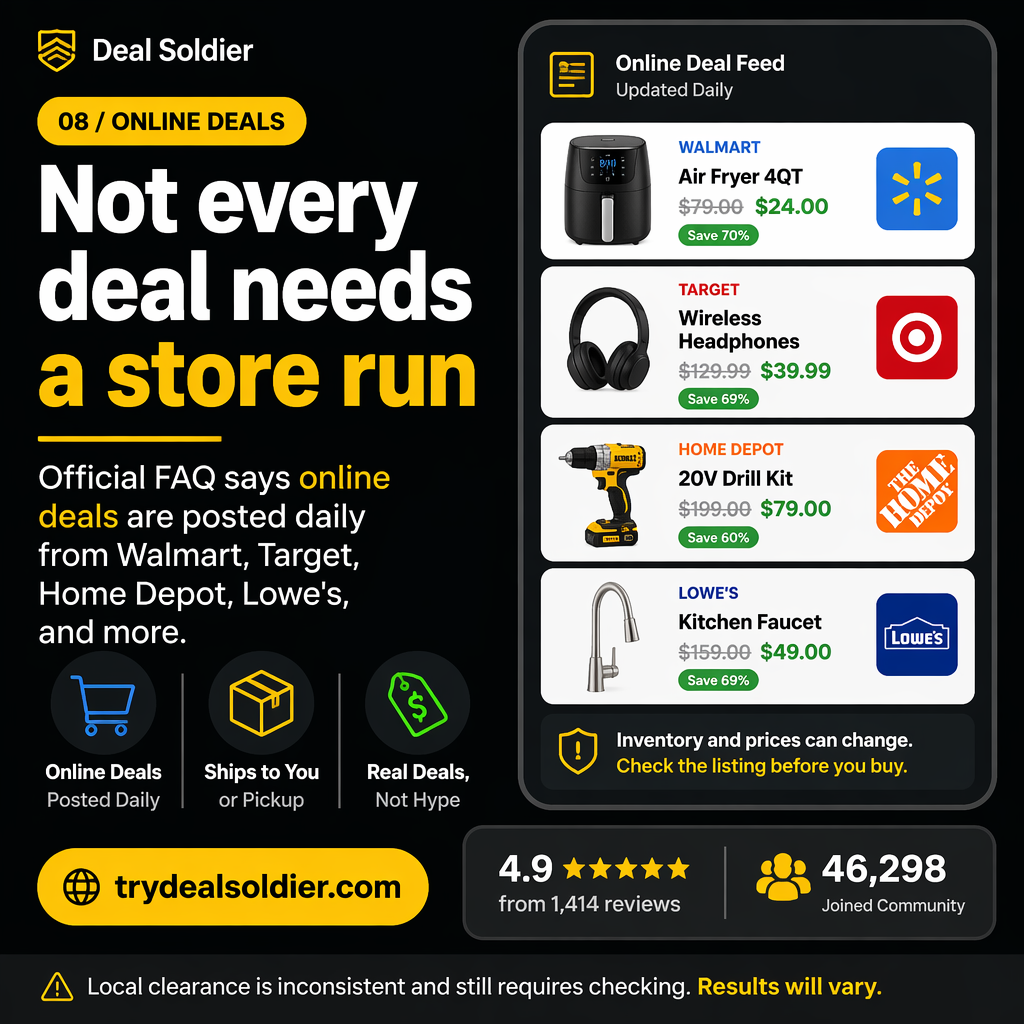
First: Do I need a computer to use Turbo Search? No. While a desktop browser provides a larger screen for managing complex multi-store matrices, Turbo Search and the Discord alert ecosystem are fully responsive and work seamlessly on any modern iPhone or Android smartphone.
Second: Why did Turbo Search show an item in stock, but the shelf was empty? As discussed in our hidden clearance guides, retail inventory ledgers suffer from phantom stock (theft, unworked pallets, damaged goods). Turbo Search accurately reflects what the store's computer ledger says; it cannot account for a box sitting unopened in a backroom freight pallet. This is why we recommend targeting items with 3+ units in stock.
| Question | Technical Reality | Best Practice |
|---|---|---|
| Can I run Turbo Search on mobile? | Fully optimized for mobile Safari, Chrome, and Discord | Save the web dashboard link to your phone home screen |
| How often does SniperX scan? | Continuous background scanning 24/7 across retail servers | Keep Discord push notifications active for instant pings |
| Why was an in-stock item missing? | Phantom inventory or unworked top-stock freight | Only drive for alerts showing 3+ units in stock |
| How many ZIP codes can I track? | Multiple customizable search radiuses within account limits | Set one for your home, work, and frequent travel corridors |
📋 Actionable Verification Protocol
- Bookmark the Turbo Search web app on your smartphone's home screen.
- Verify your Discord notification permissions in your phone's operating system settings.
- Consult the #faq channel in Deal Soldier for real-time tool updates and maintenance notices.
Target Decision: Integrate the mobile tool stack into your everyday smartphone workflow.
Action Threshold: Review tool documentation in the welcome channel before launching complex queries.
Immediate Failure Mode: Assuming tool malfunction when encountering common retail phantom inventory.
For additional context on FAQ, compare this operational step with our detailed breakdown in Deal Soldier 7-Day Trial Checklist and cross-reference our field rules in Home Depot Penny Deals: Signal Or Time Sink?.