Deal Soldier Field Intelligence
What Is Hidden Clearance?
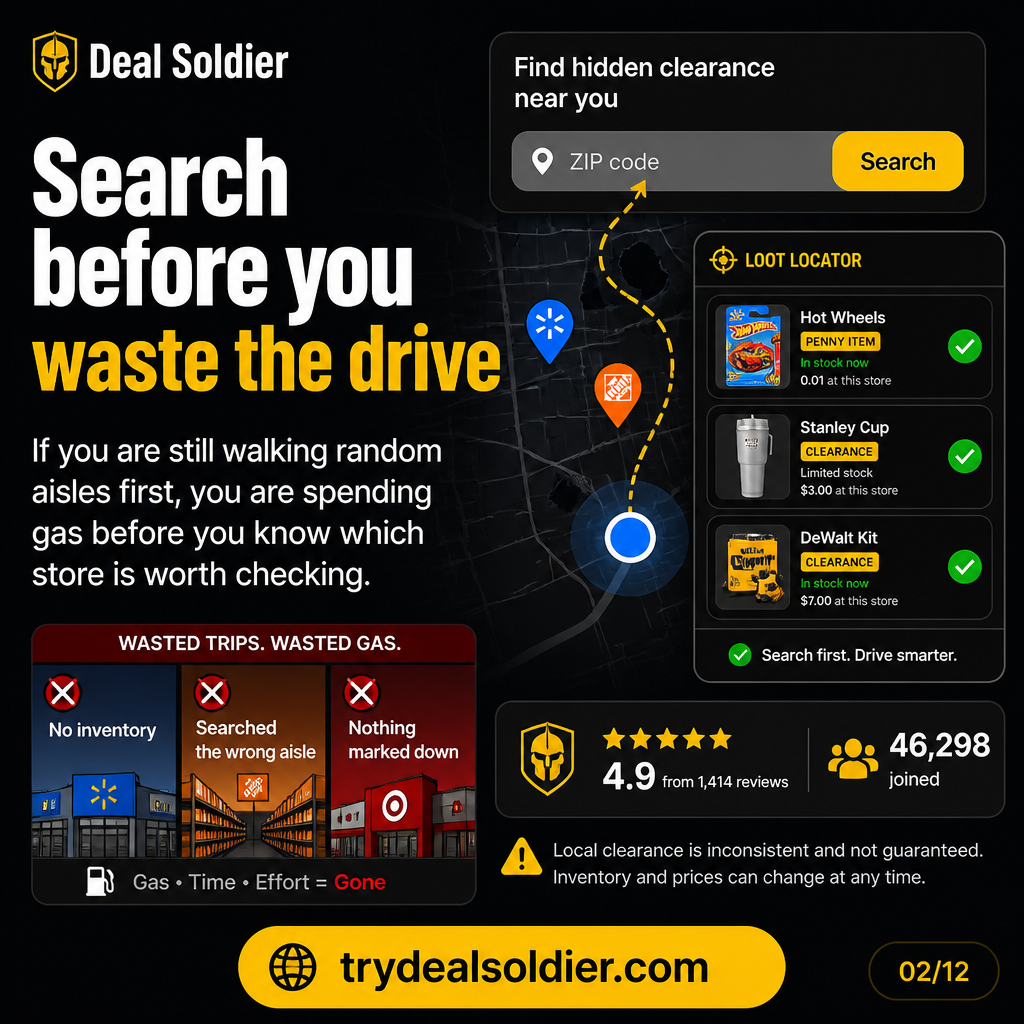
If you are fighting trusting shelf tags as the source of truth, use this operational test: the cost is not only the missed discount; it is repeated wasted trips based on stale shelf information
Start the Deal Soldier 7-day trial on Whop
The Field Investigation: What We Are Actually Testing
If you are investigating Deal Soldier, you have likely seen viral social clips: shopping carts loaded with $25 laptops, $3 designer rugs, and penny clearance finds in big-box stores. But viral posts skip the operational friction: store inventory algorithms, shelf tagging lag, phantom stock, and the reality of resale fees.
The core trap we are deconstructing in this guide is trusting shelf tags as the source of truth. The operational rule of thumb is straightforward: the cost is not only the missed discount; it is repeated wasted trips based on stale shelf information. If you cannot establish a systematic local workflow that produces verified savings during your 7-day free trial, you should cancel immediately on Whop.
Below is our complete field investigation for What Is Hidden Clearance?, broken down scene-by-scene into store mechanics, algorithm breakdowns, and actionable testing protocols.
Definition
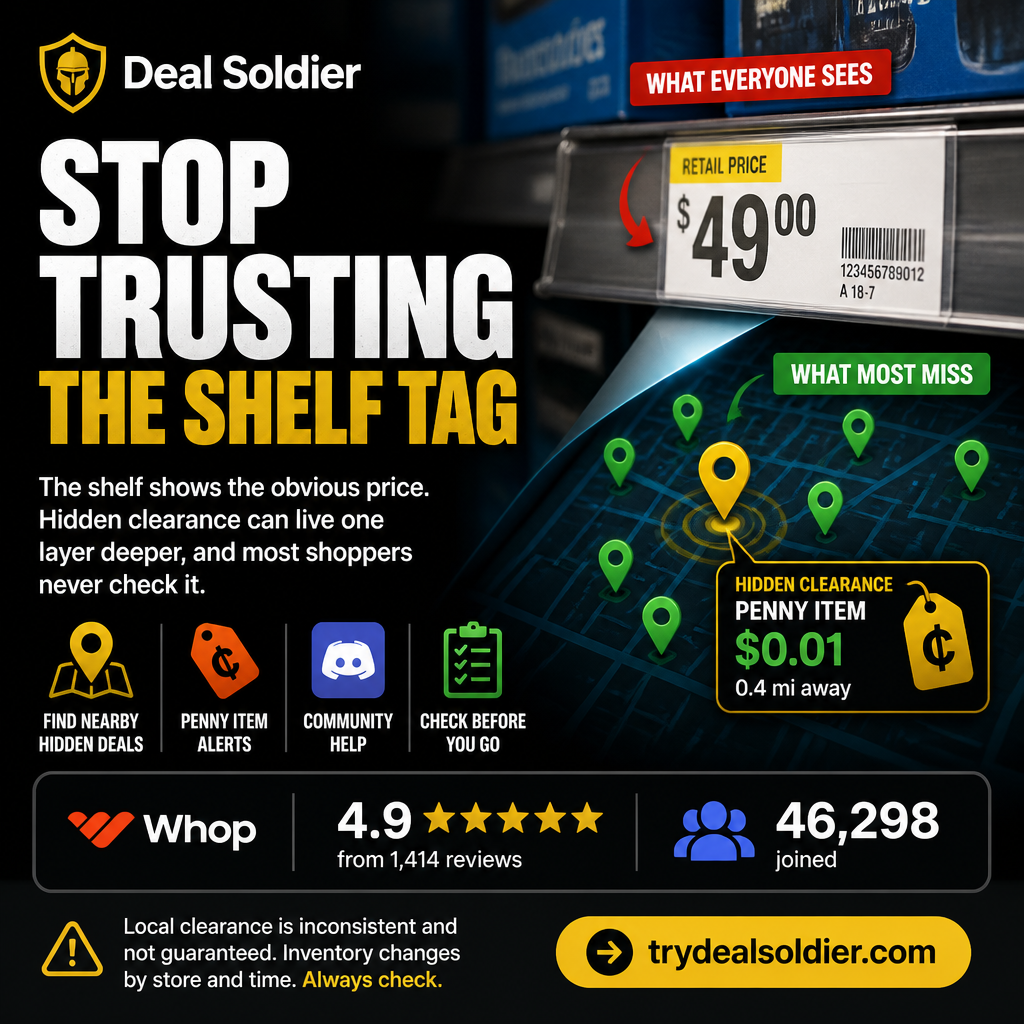
At its core, 'hidden clearance' refers to items on a retail sales floor whose point-of-sale (POS) terminal price is substantially lower than the printed price tag displayed on the shelf or package.
Every major big-box retailer—including Walmart, Target, Home Depot, and Lowe's—operates on centralized, cloud-managed inventory pricing databases. When corporate pricing directors decide to liquidate aging seasonal inventory, discontinue product lines, or clear warehouse space for new product revisions, they transmit automated markdown batches to local store servers.
Because thousands of items are marked down simultaneously while store staffing remains constrained, associates cannot immediately print and affix physical clearance stickers to every single box. As a result, the product sits on standard store shelves at full sticker price, while the register scans it at steep clearance discounts.
| Clearance State | Shelf Tag Display | POS System Register Price | Hunter Action |
|---|---|---|---|
| Standard Clearance | Visible yellow / red sticker | Discounted register price | High competition; swept quickly by casual shoppers |
| Hidden Clearance | Full MSRP printed shelf tag | Drastically reduced clearance price | Zero casual competition; discovered only via scanner |
| Salvage / Penny | Full MSRP or old clearance sticker | $0.01 or zeroed out | Corporate write-off; requires immediate self-checkout scan |
📋 Actionable Verification Protocol
- Download the official retailer app and connect to the local store guest Wi-Fi network.
- Scan barcodes on high-turnover seasonal items that still display full-price shelf tags.
- Verify the in-store price on your scanner screen before bringing items to the register.
Target Decision: Scan items that have remained in seasonal or transition aisles without new tags.
Action Threshold: Look for items at least 50% below the physical shelf tag with at least 2 units in stock.
Immediate Failure Mode: Assuming the printed shelf tag is the current price and walking past major unstickered discounts.
For additional context on Definition, compare this operational step with our detailed breakdown in Walmart Hidden Clearance Guide and cross-reference our field rules in Deal Alerts vs Deal Judgment.
Why Shelf Tags Lag
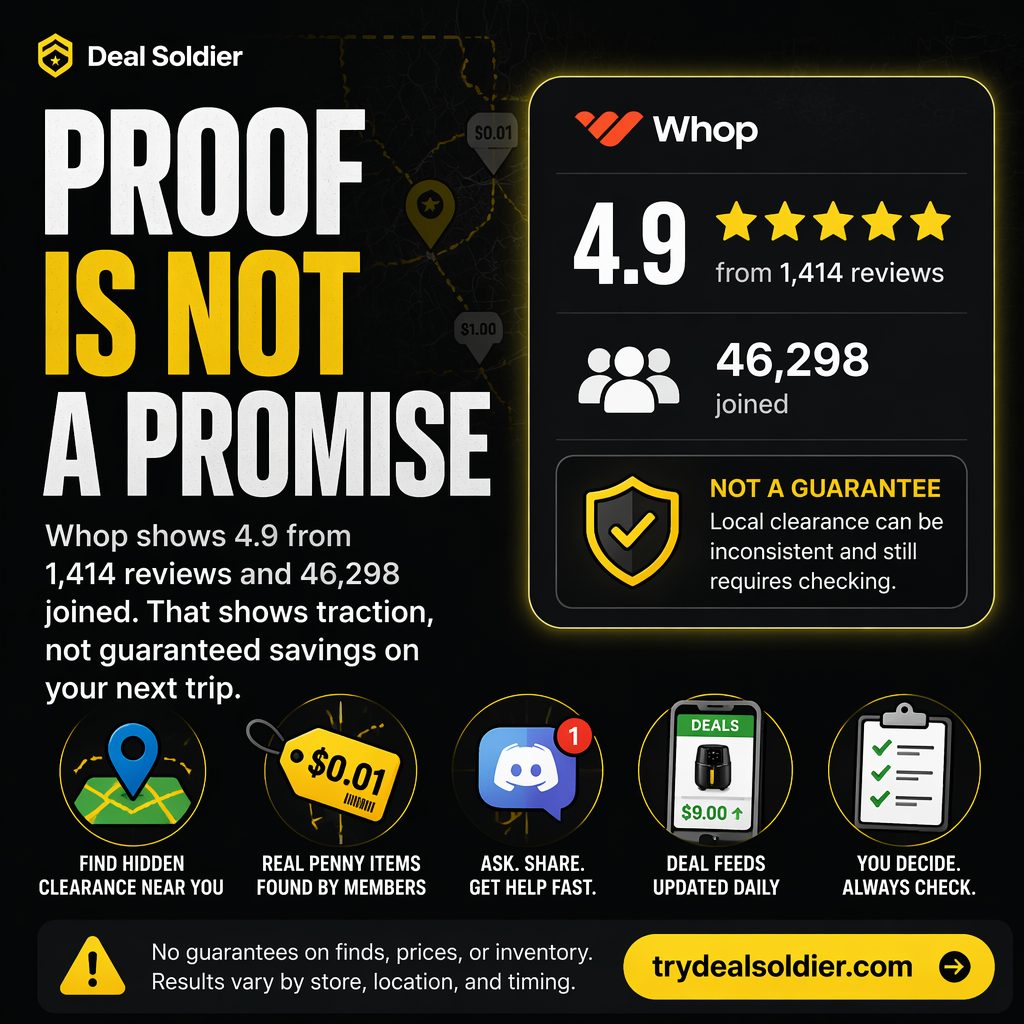
To understand why hidden clearance exists in virtually every big-box store in America, you must understand retail labor economics. Modern retail chains have trimmed floor payroll to historic lows while expanding SKU counts into the tens of thousands per supercenter.
Corporate pricing algorithms push price updates into store servers overnight during batch processing windows. When the store opens at 6:00 AM, the central POS system is 100% live with the new prices. If an item was slashed from $120 to $30, the barcode scanner and cash register will ring up $30 immediately.
However, physical price changes require an associate to log into a handheld terminal (like a Zebra TC52), walk down every aisle, scan each shelf label, print an adhesive yellow tag on a mobile hip-printer, peel the backing, and press it onto the box. In a store receiving 1,500 markdowns in a single cycle, that manual labor backlog can easily take 48 to 96 hours to complete.
| Retail Chain | Digital Markdown Execution | Physical Tagging Completion Lag | Hidden Clearance Window |
|---|---|---|---|
| Walmart | 01:00 AM - 04:00 AM local time | 24 to 72 hours (varies by department labor) | 1 to 3 days of unstickered shelf pricing |
| Target | Overnight batch by scheduled department | 12 to 36 hours (dedicated markdown teams) | 12 to 24 hours of unstickered shelf pricing |
| Home Depot | Overnight corporate batch sync | 24 to 96 hours (floor associates prioritize lumber/hardware) | 2 to 4 days of unstickered shelf pricing |
📋 Actionable Verification Protocol
- Target stores on Tuesday and Wednesday mornings when markdown backlogs are highest.
- Focus on departments undergoing floor resets (end-of-summer, post-holiday, spring garden).
- Scan boxes located on high 'top-stock' risers where associates rarely carry mobile printers.
Target Decision: Hunt during peak tagging lag windows rather than waiting for weekend clearance aisles.
Action Threshold: Prioritize stores with visible pallet freight and short-staffed aisles.
Immediate Failure Mode: Waiting until items are stickered, by which time casual foot traffic has bought out stock.
For additional context on Why Shelf Tags Lag, compare this operational step with our detailed breakdown in Home Depot Penny Deals: Signal Or Time Sink? and cross-reference our field rules in The Real Math Of Clearance Deals.
Scanned Price vs Displayed Price
A common hesitation among beginner clearance hunters is anxiety at checkout. They worry that taking an item with a $50 shelf tag to a cashier when their app says $10 will cause an embarrassing argument or be flagged as retail fraud.
In reality, checkout registers do not 'read' shelf labels. They read the Universal Product Code (UPC) barcode printed on the packaging. When that barcode passes across the laser scanner, it queries the local store pricing table. Whatever price is currently active in that table is what rings up on the terminal screen.
Legally and operationally, retail scanning laws (such as item pricing statutes across various states) protect consumers from paying more than the advertised or scanned price. If an item scans at $10, that is the store's official selling price, regardless of whether a human worker remembered to peel off the $50 paper sticker.
| Scanner Tool | Price Source Queried | Accuracy Level | Best Use Case |
|---|---|---|---|
| Retailer Public App (Default) | Online eCommerce catalog (National) | Low (Shows web price, not local store POS) | General product lookup only |
| Retailer App (In-Store Wi-Fi) | Local store inventory server | High (Shows active register price for that building) | Immediate aisle price check |
| Deal Soldier Turbo / SniperX | Aggregated multi-store inventory delta feeds | Ultra-High (Flags hidden drops across radius) | Pre-trip store routing & planning |
📋 Actionable Verification Protocol
- Ensure location services are enabled on your device when opening retailer apps inside the store.
- Always confirm you are connected to the specific store's guest Wi-Fi network for in-store POS sync.
- Use self-checkout registers when purchasing unstickered clearance to avoid manual cashier confusion.
Target Decision: Rely entirely on barcode scan results rather than physical signage.
Action Threshold: Proceed to checkout whenever the scanned price matches your target profit or savings threshold.
Immediate Failure Mode: Asking a sales associate 'Can you check if this is really $9?' which often prompts them to pull the item.
For additional context on Scanned Price vs Displayed Price, compare this operational step with our detailed breakdown in Deal Alerts vs Deal Judgment and cross-reference our field rules in Is Deal Soldier Good For Beginners?.
How Alerts Help
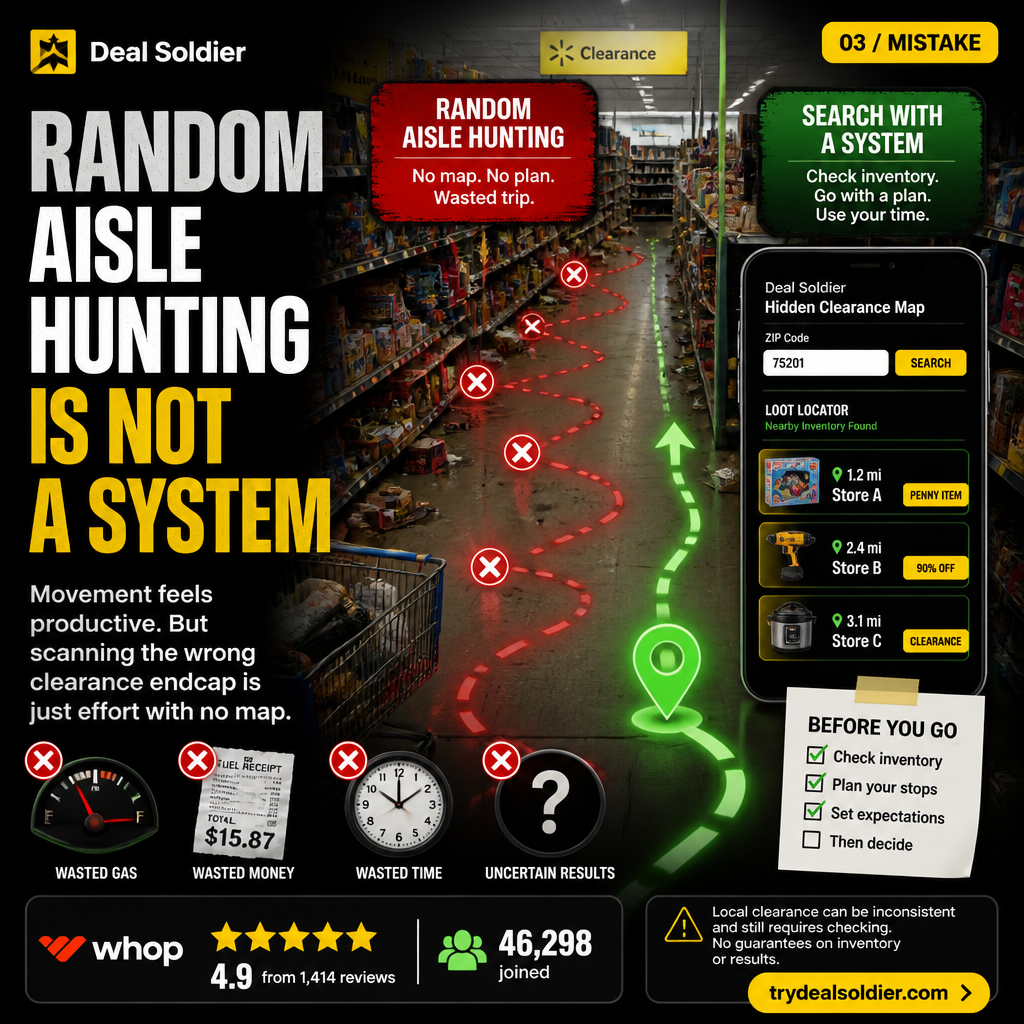
Walking blind into a 180,000-square-foot Supercenter or a Home Depot warehouse and scanning random boxes with your phone is a grueling, low-efficiency exercise. You could scan 500 items over three hours and find nothing but 5% discounts.
Real-time deal alert systems transform this workflow from random wandering into targeted tactical strikes. Instead of wondering which of the 100 aisles holds value, an alert feeds you the exact UPC, the percentage drop, and the specific store locations that have registered inventory changes.
This speed advantage is critical. Because other active deal hunters and local resellers operate in every metropolitan area, being alerted within minutes of an automated price reduction allows you to route your morning commute directly past the store with stock.
| Hunting Methodology | Items Scanned Per Hour | Time to Find First Deal | Success Probability |
|---|---|---|---|
| Blind Floor Scanning | 150 - 250 items | 2 to 4 hours of physical fatigue | 10% - 20% on average |
| Manual Public Forum Browsing | N/A (Screenshots only) | Hours behind the curve | 5% (Items usually gone) |
| Targeted Deal Soldier Alerts | 1 - 5 targeted items | 15 - 30 minutes focused trip | 70% - 85% when acted on immediately |
📋 Actionable Verification Protocol
- Set custom Discord notification sounds for high-priority retailer channels.
- Filter alerts by your specific geographic radius or home metro area.
- Cross-reference the alerted SKU in Turbo Search to confirm stock count before driving.
Target Decision: Use alert pings to direct your daily travel routes rather than making special blind trips.
Action Threshold: Act on alerts that dropped within the last 60 minutes with at least 3 reported units.
Immediate Failure Mode: Letting dozens of alerts distract you into driving aimlessly across town without a plan.
For additional context on How Alerts Help, compare this operational step with our detailed breakdown in Is Deal Soldier Good For Beginners? and cross-reference our field rules in Home Depot Penny Deals: Signal Or Time Sink?.
How Alerts Mislead
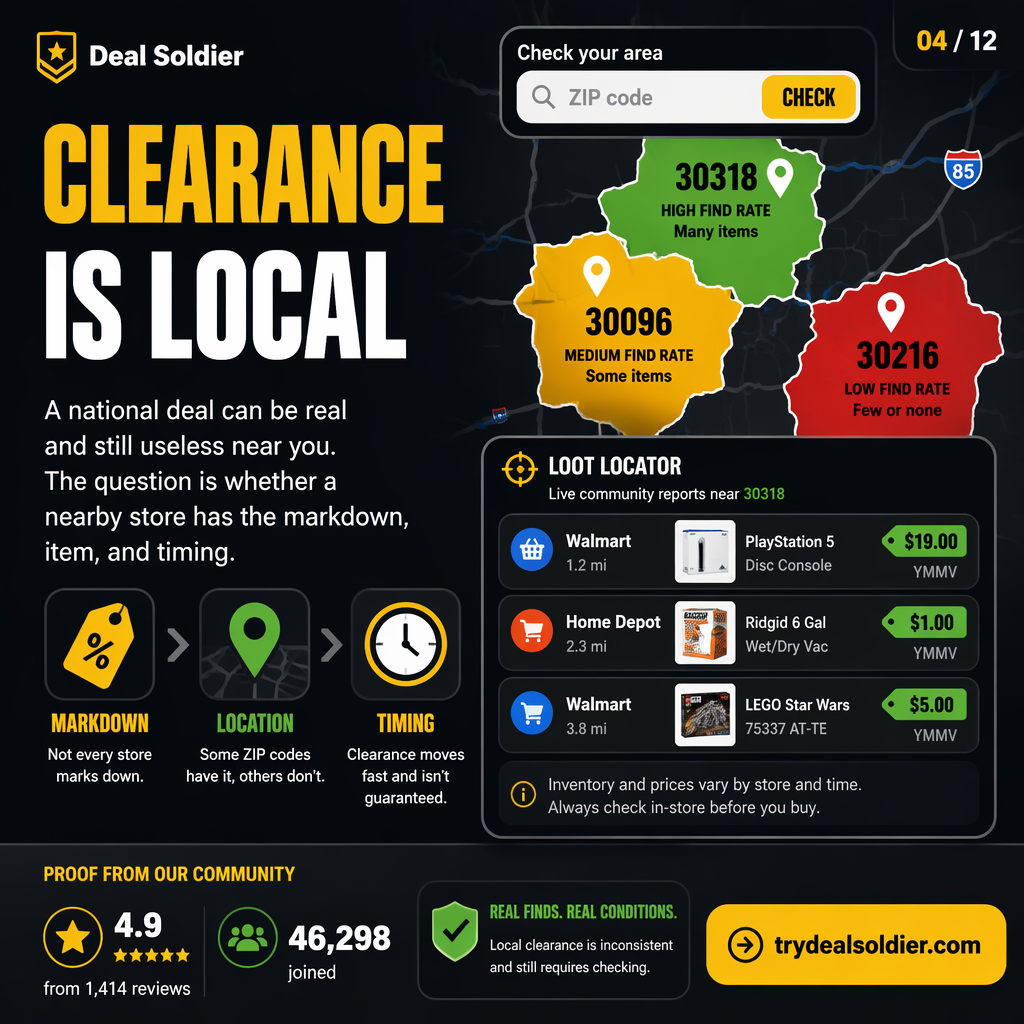
The single most frustrating experience for any clearance hunter is arriving at a store after an alert, checking the shelf, and finding absolutely nothing. This phenomenon is known throughout the retail industry as 'phantom inventory'.
Retail inventory systems track inventory on a ledger basis: Quantity on Hand = Units Received minus Units Scanned at POS. However, ledger inventory does not account for real-world friction. Items may have been stolen (shrinkage), dropped and broken in the warehouse without being marked out of stock, or returned by a customer and sitting in a return bin.
Furthermore, when merchandise drops to steep clearance, store associates or other shoppers sometimes stash boxes behind larger items on bottom shelves, or the units remain sealed inside shrink-wrapped freight pallets on the highest warehouse risers (top-stock) that floor associates have not yet unstacked.
| Inventory Failure Mode | Cause | App / Alert Display | Physical Reality on Floor |
|---|---|---|---|
| Shrinkage / Shoplifting | Stolen merchandise not written off | Shows 1 - 2 units in stock | Shelf is completely empty |
| Unworked Pallet Freight | Boxes arrived but not yet unstacked | Shows full stock (4 - 10 units) | Sitting high on top-stock risers |
| Customer / Staff Stashing | Hidden behind slow-moving bulk items | Shows 2 - 3 units in stock | Hidden behind dog food or deep in garden |
| Damaged Box Salvage | Destroyed packaging in claims cage | Shows 1 unit in stock | Locked in backroom awaiting vendor return |
📋 Actionable Verification Protocol
- Treat any alert showing 'Quantity: 1' as 80% likely to be phantom inventory or stolen.
- Inspect the top-stock shelf (the highest storage tier above the display) for sealed boxes.
- Check adjacent bottom kickplates and behind bulky items in neighboring aisles.
Target Decision: Only drive for alerts showing 3 or more units in stock to buffer against phantom inventory.
Action Threshold: Walk away after a 5-minute thorough search; never waste 45 minutes begging staff to dig through backroom pallets.
Immediate Failure Mode: Blaming the alert tool for retail database errors when physical stock has experienced shrinkage.
For additional context on How Alerts Mislead, compare this operational step with our detailed breakdown in Walmart Hidden Clearance Guide and cross-reference our field rules in Deal Alerts vs Deal Judgment.
Beginner Verification Loop
Success in clearance hunting comes down to executing a repeatable, low-friction verification loop every single time you enter a store. Novices waste energy wandering aimlessly; experienced hunters execute a systematic scan loop.
The verification loop begins before you even touch an item: verifying that your phone has synced to the specific store number you are standing inside. Retail apps geofence inventory pricing; if your app thinks you are at Store A while you stand in Store B, the scanned price will be inaccurate.
Once synced, scan the manufacturer's UPC barcode—never the retailer's paper shelf sticker. The UPC is universal and pulls the live database price. If the scanned price drops below your predetermined threshold, inspect the physical box condition before moving to self-checkout.
| Step | Action | Tool Required | Verification Target |
|---|---|---|---|
| 1. Geo-Sync | Connect to store Wi-Fi & confirm Store # | Retailer Mobile App | Ensure app matches physical building number |
| 2. Barcode Scan | Scan UPC on packaging | App In-Store Scanner / SniperX | Confirm active register price vs shelf tag |
| 3. Box Inspection | Examine seals, serial numbers, parts | Physical check | Ensure item isn't an open-box return or missing pieces |
| 4. Margin Check | Calculate net profit or personal savings | Profit calculator / eBay sold comps | Confirm price meets minimum dollar threshold |
📋 Actionable Verification Protocol
- Open your app and check the top banner to ensure the store address matches where you are.
- Locate the standard 12-digit UPC barcode on the manufacturer's packaging.
- Check eBay completed/sold listings or keepa graphs if buying for resale.
Target Decision: Master the 4-step verification loop on 10 practice items during your first trial week.
Action Threshold: Complete the scan loop in under 20 seconds per item.
Immediate Failure Mode: Purchasing unverified items assuming the shelf tag is wrong, only to pay full price at checkout.
For additional context on Beginner Verification Loop, compare this operational step with our detailed breakdown in Home Depot Penny Deals: Signal Or Time Sink? and cross-reference our field rules in The Real Math Of Clearance Deals.
Where Deal Soldier Fits
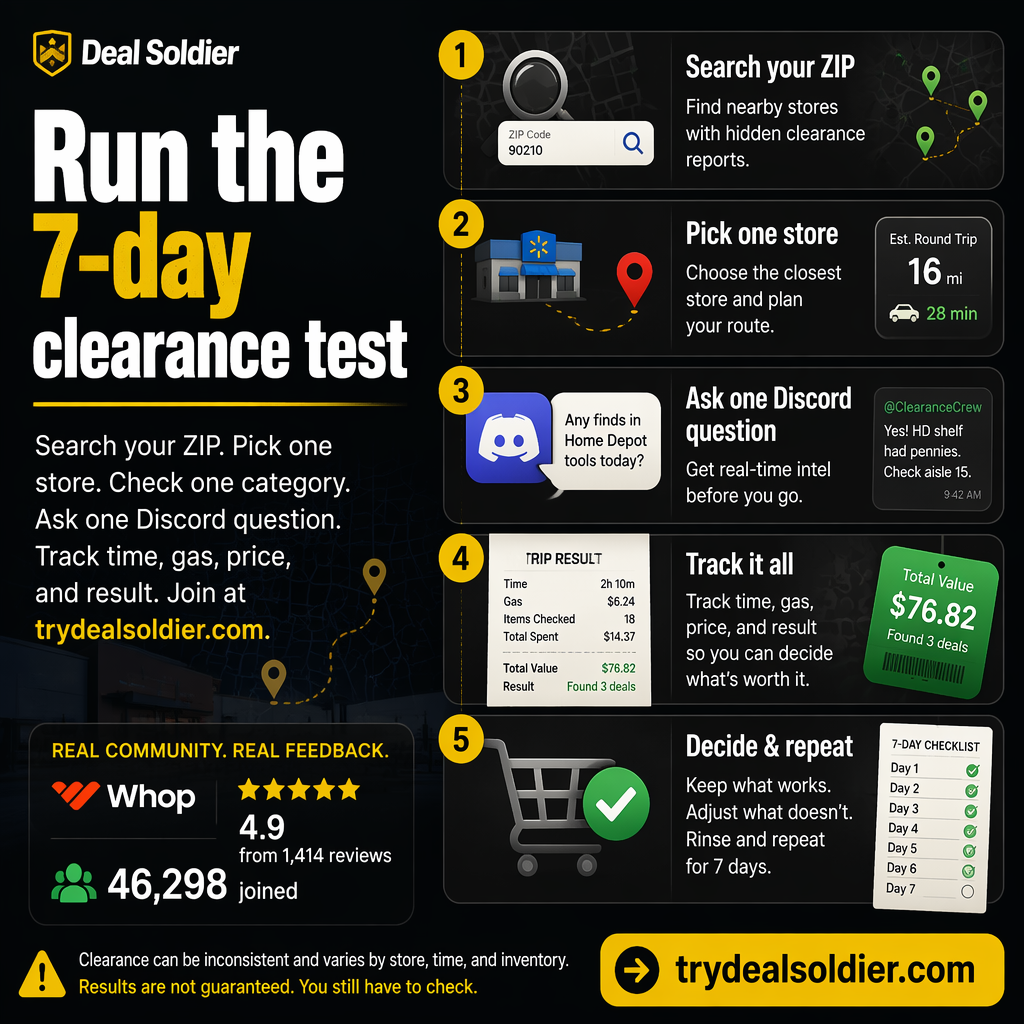
To evaluate whether Deal Soldier is worth its $44 monthly subscription, you must understand exactly where it sits in the clearance hunting stack. It is not an automated checkout bot, nor does it buy merchandise for you.
Deal Soldier serves as the intelligence and radar layer. In retail clearance hunting, the most expensive resource is not money—it is fuel and time. Driving to five big-box stores across a 30-mile metro area consumes two hours of driving and $10 in gasoline. Doing that blindly multiple times a week quickly turns clearance hunting into an unprofitable chore.
Deal Soldier eliminates blind trips by scanning regional inventory feeds continuously. When a markdown hits Bentonville or Atlanta corporate servers, Deal Soldier's proprietary tools (Turbo Search and SniperX) flag the exact store and SKU. You only turn your car ignition on when there is verified inventory at an actionable price.
| Feature | Deal Soldier Capability | Alternative Method | Time Saved |
|---|---|---|---|
| Radius Scanning | Multi-store ZIP lookup via Turbo Search | Driving to each store individually | 2 to 4 hours per shopping run |
| Barcode Tracking | Real-time alerts via SniperX Discord feeds | Checking retailer apps item-by-item | Continuous passive background monitoring |
| Community Intel | Thousands of verified member finds daily | Browsing unverified Reddit forums | Instant confirmation of nationwide markdown waves |
📋 Actionable Verification Protocol
- Configure your primary search ZIP codes in Turbo Search upon joining.
- Select your preferred retailer alert channels (Walmart, Home Depot, Lowe's, Target).
- Use Deal Soldier to plan multi-stop driving routes that target only high-inventory stores.
Target Decision: Treat Deal Soldier as an operational intelligence filter to eliminate wasted driving.
Action Threshold: Demand that the tool save you at least 3 hours of driving or $45 in purchases per month.
Immediate Failure Mode: Paying for the subscription while continuing to drive blindly to random retail stores.
For additional context on Where Deal Soldier Fits, compare this operational step with our detailed breakdown in Deal Alerts vs Deal Judgment and cross-reference our field rules in Is Deal Soldier Good For Beginners?.
Trial Test
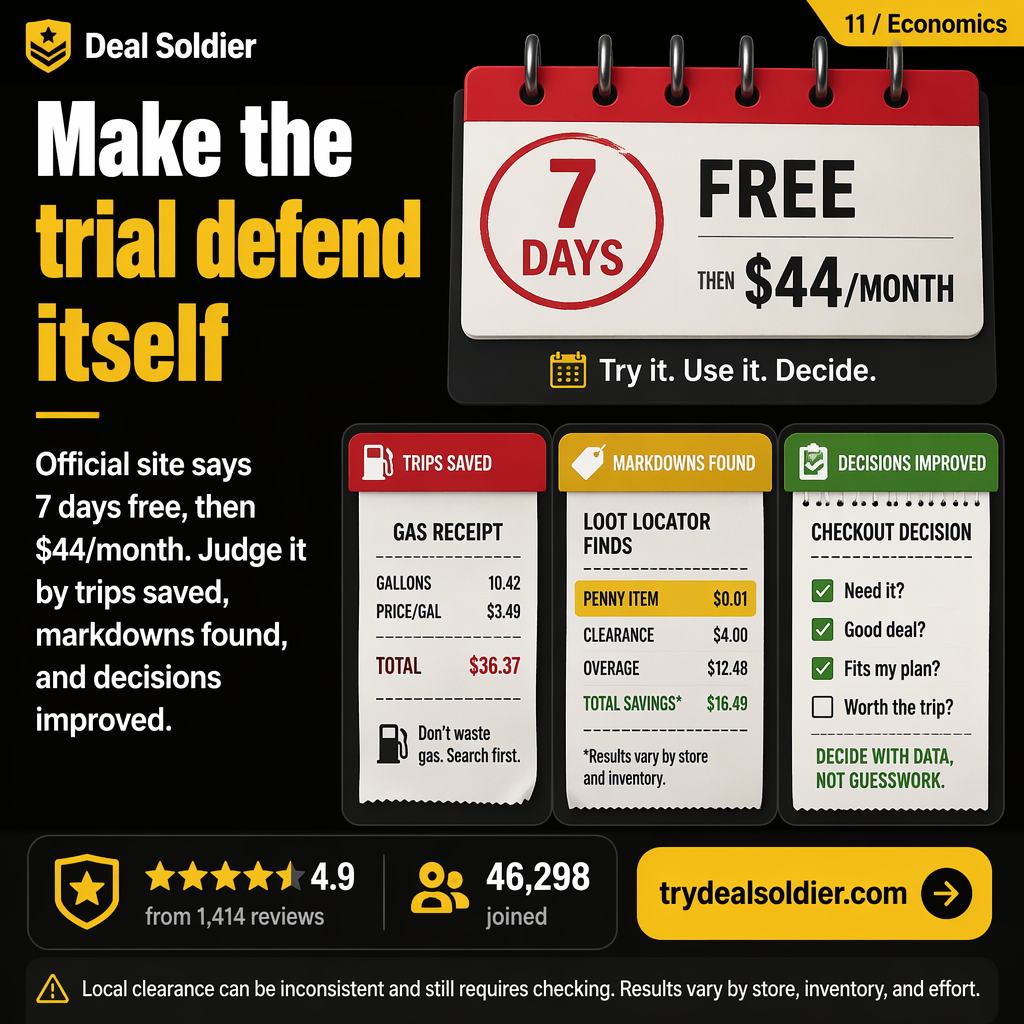
Whop offers a structured 7-day free trial for Deal Soldier. The fatal mistake most users make is signing up on a Monday, spending the entire week casually browsing chat channels, and letting the trial convert into a paid $44 charge without ever testing the software in their local market.
Every retail market is unique. Some suburban areas have dense retail clusters with aggressive markdown managers; some rural markets have single stores that hold inventory at full price for months. The only way to know if Deal Soldier works for you is to run an immediate, disciplined 7-day field test.
If you execute the test plan, visit two local stores, and find zero actionable clearance, you can cancel your subscription inside Whop with a single click before paying a single dollar. If you find a $150 patio set for $30 or a $200 drill for $50, your membership has already paid for itself for months.
| Day | Field Mission | Expected Milestone | Go / No-Go Decision Gate |
|---|---|---|---|
| Day 1 | Account Setup & Tool Configuration | Enter local ZIPs into Turbo Search | Are there 3+ big-box stores in your radius? |
| Day 2 - 3 | Alert Auditing & Route Planning | Identify 2 candidate stores with drops | Do reported drops match items you want/resell? |
| Day 4 - 5 | Physical In-Store Verification | Scan candidate items in-store | Does the scanned register price match the alert? |
| Day 6 - 7 | Financial ROI Scorecard | Calculate net savings vs $44 fee | Did you save/earn $45+? If yes, keep; if no, cancel. |
📋 Actionable Verification Protocol
- Set a calendar reminder for 24 hours before the 7-day trial expires.
- Execute at least one physical store visit before Day 5 of the trial.
- Calculate your net savings: (MSRP - Purchase Price) minus fuel costs.
Target Decision: Execute the 7-day test protocol immediately upon activating access.
Action Threshold: Renew only if your verified trial savings exceed $44.00.
Immediate Failure Mode: Forgetting to cancel an unproven subscription because of passivity.
For additional context on Trial Test, compare this operational step with our detailed breakdown in The Real Math Of Clearance Deals and cross-reference our field rules in Walmart Hidden Clearance Guide.
FAQ
Clearance hunting generates legitimate questions regarding store policies, cashier reactions, and return logistics. Understanding these rules eliminates awkwardness and protects your capital.
First: Is buying hidden clearance legal? Absolutely 100%. You are purchasing items at the store's official computer-registered price through standard POS checkout lanes. You are not altering barcodes or overriding software; you are simply purchasing items that corporate reduced.
Second: What happens if a cashier questions the price? In rare cases, an associate might be surprised when an expensive item rings up for a fraction of its sticker price. Remain polite and calm. If an associate refuses to sell an item (which occasionally happens with Home Depot penny items), do not argue. Simply say 'No problem, thank you' and move on. There will always be more deals.
| Common Question | Store Policy Reality | Best Operational Practice |
|---|---|---|
| Can clearance items be returned? | Standard return window applies (30-90 days with receipt) | Keep digital receipts in your retailer app |
| What if an associate refuses to sell? | Store managers hold right of refusal on salvage items | Never argue; use self-checkout whenever possible |
| Do I need to pay cash? | All standard payment methods accepted (Cards, Apple Pay) | Use cash-back credit cards to stack an extra 2-5% savings |
| Can I price match other stores? | Clearance pricing is strictly excluded from store price matches | Only purchase clearance at the specific store with the drop |
📋 Actionable Verification Protocol
- Always keep digital receipts stored in your retailer mobile accounts.
- Use self-checkout registers whenever available to avoid unnecessary friction.
- Know store return windows (Walmart 90 days, Home Depot 90 days, Target 90 days).
Target Decision: Operate with professional courtesy and follow standard store checkout protocols.
Action Threshold: Review retailer return policies before buying large quantities of clearance goods.
Immediate Failure Mode: Arguing with store employees over salvage write-offs, risking store trespass.
For additional context on FAQ, compare this operational step with our detailed breakdown in Is Deal Soldier Good For Beginners? and cross-reference our field rules in Home Depot Penny Deals: Signal Or Time Sink?.